JellySTEM Academy
Skip site announcements
Skip course categories
Skip available courses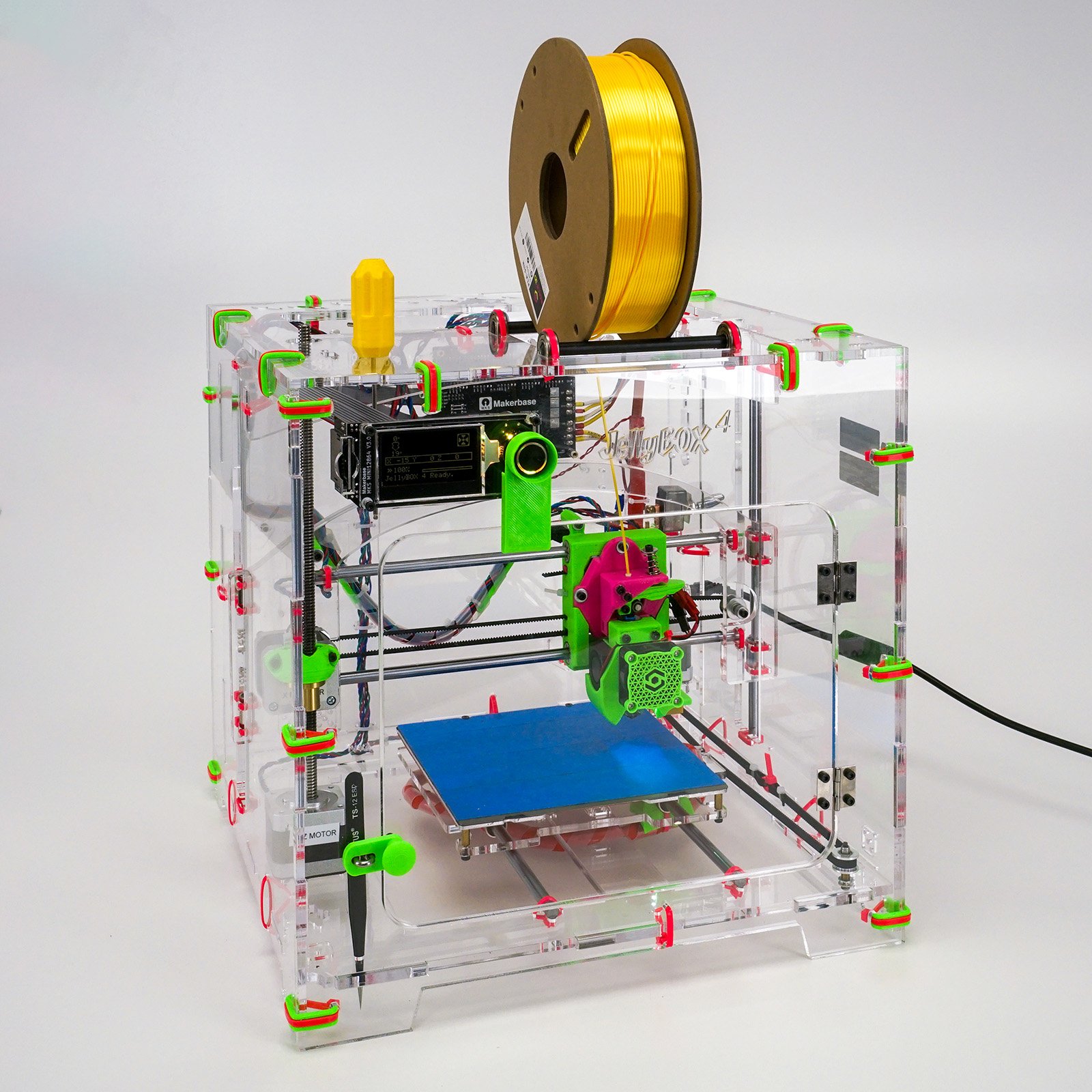
Skip courses
Site announcements
There are no discussion topics yet in this forum
Skip course categories
Course categories
Skip available courses
Available courses
The JellyBOX 4 Build Guide is a comprehensive, user-friendly manual designed to walk you through the step-by-step assembly of your JellyBOX 4 3D printer.
With detailed instructions, clear illustrations, videos and helpful tips, the guide equips you with all the knowledge needed to construct your printer successfully, from initial unboxing to the final calibration and the first print.
- Teacher: Keyshla Pons
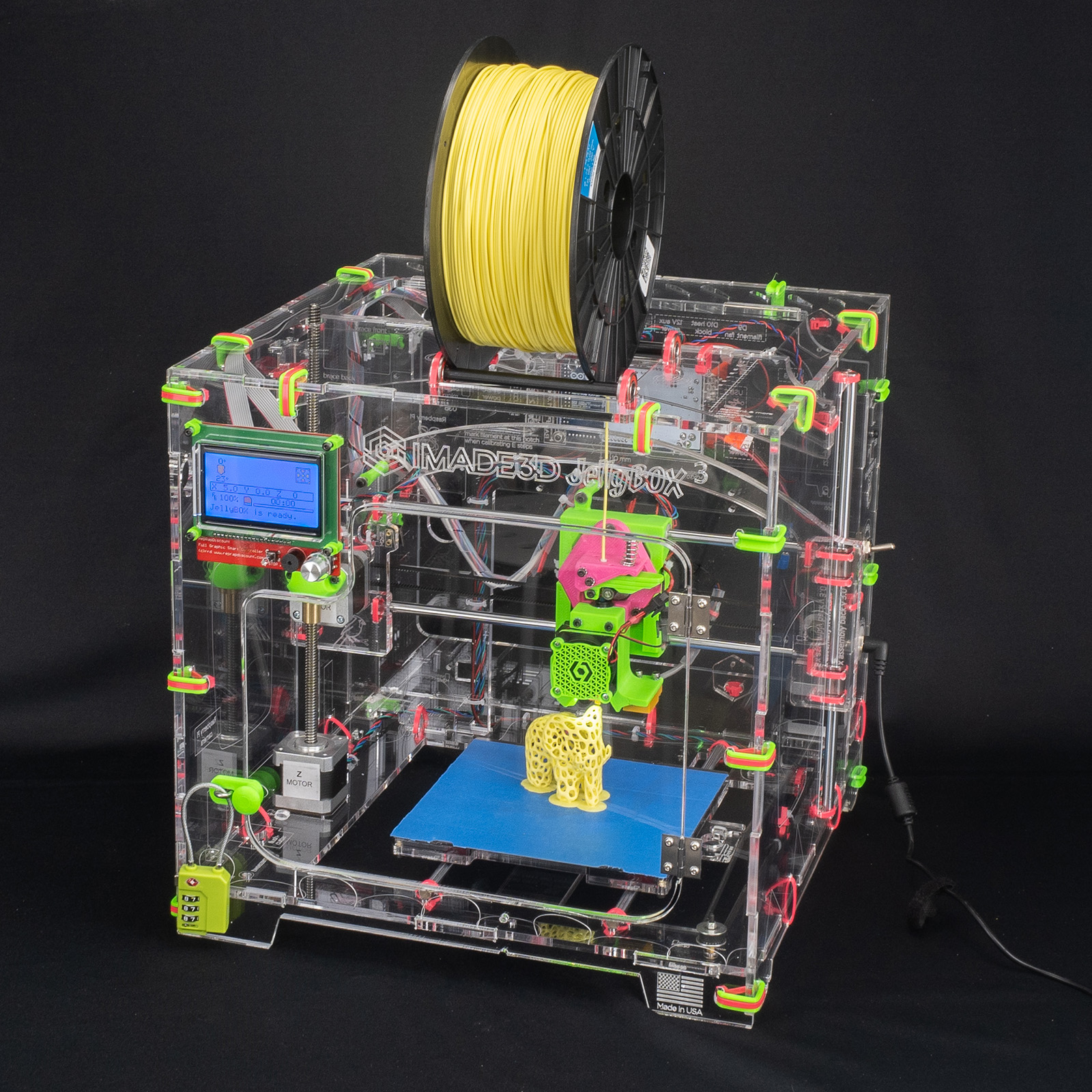
The JellyBOX 3 Build Guide explains how to assemble the JellyBOX 3 3D printer from the DIY kit.
It provides step-by-step instructions in simple PDF files, supported by high-resolution photos and short videos.
You can download and use these files on any computer. For the best experience, we recommend using a PDF viewer and the Chrome browser.
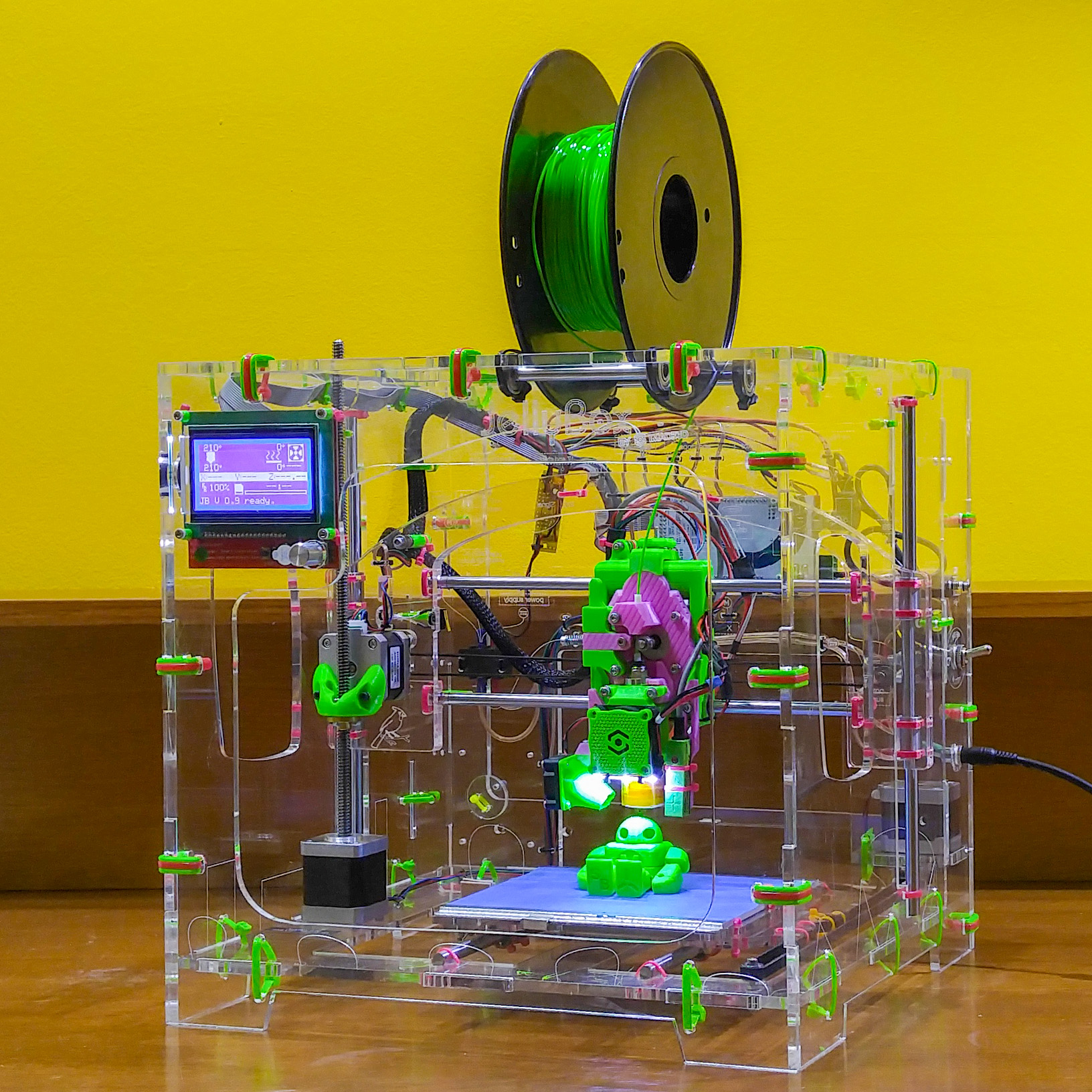
This section includes simplified PDF-based instructions for the JellyBOX 1, introduced in 2016, and the JellyBOX 2 from 2018.
While we do not anticipate that these older models will be assembled today, the documentation can be useful for potential repairs.
Additionally, these documents serve as an interesting part of JellyBOX history, preserved here for nostalgia.
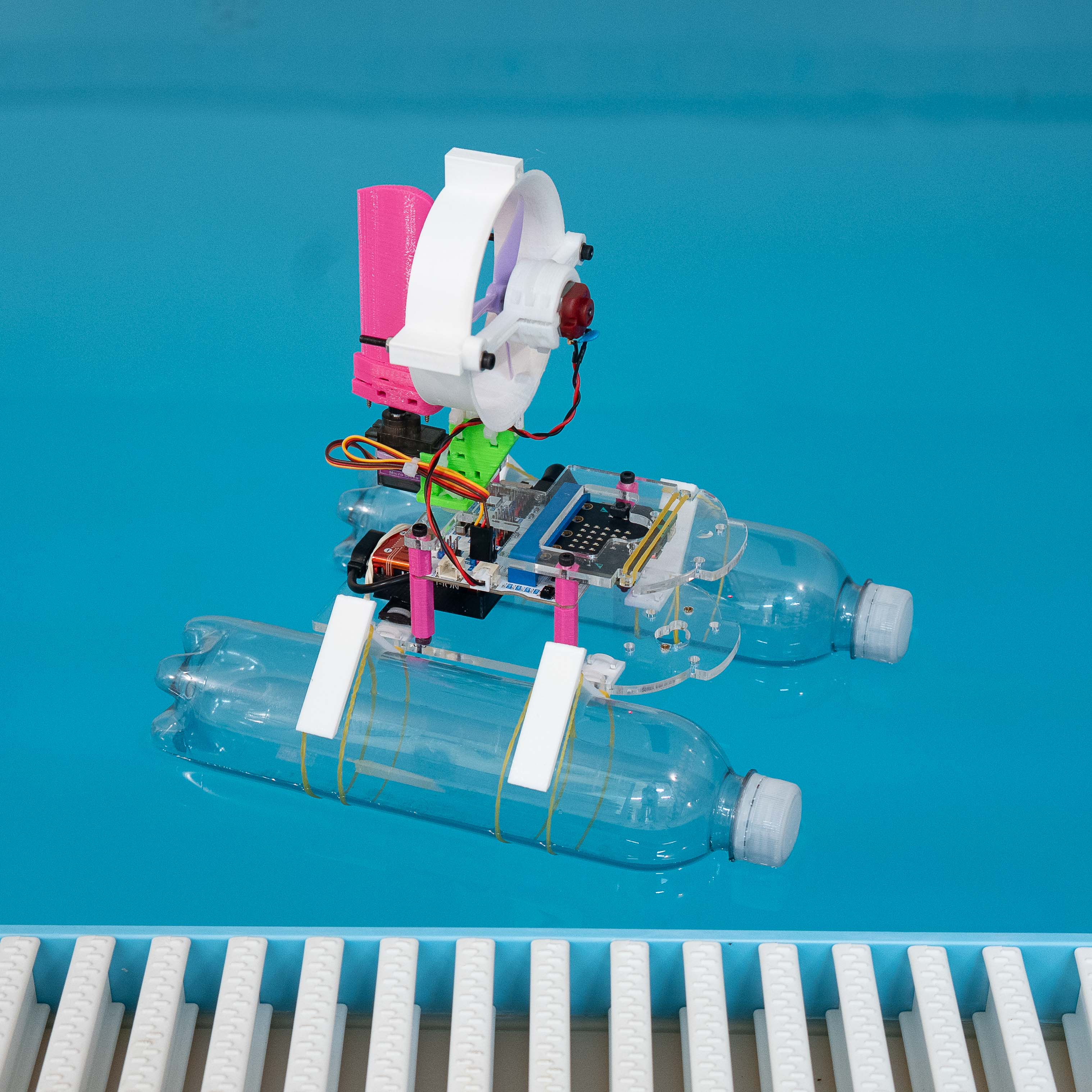
JellySTEM BottleBoat Racers – Build Guide
In this course, students build a small micro:bit-controlled BottleBoat using recycled plastic bottles, a fan-driven propeller, and a steering rudder. The project is designed as a hands-on introduction to engineering, combining building, testing, and simple programming in MakeCode for micro:bit.
Students will:
-
Build a working BottleBoat step by step from the kit parts
-
Use two micro:bits: one on the boat and one in the handheld remote
-
Program both the receiver on the boat and the transmitter in the remote
-
Explore basic ideas of floating, thrust, steering, and motion on water
-
Learn how small changes in mechanical design affect the boat’s behavior
-
Optionally go further by opening the Tinkercad models, modifying parts, and printing or laser-cutting their own versions
- Teacher: Gene Dever
- Teacher: Admin User
Skip courses